How to check a used iPhone before you buy
Ten minutes of checks can save you from an expensive mistake. Here is the exact checklist our technicians use.
Buying a second-hand iPhone is one of the smartest ways to get a premium phone for less — as long as you know what to look for.
1. Check the activation lock
Go to Settings → [your name]. If someone else's Apple ID is still signed in, walk away. A phone locked to another account cannot be used.
2. Look at battery health
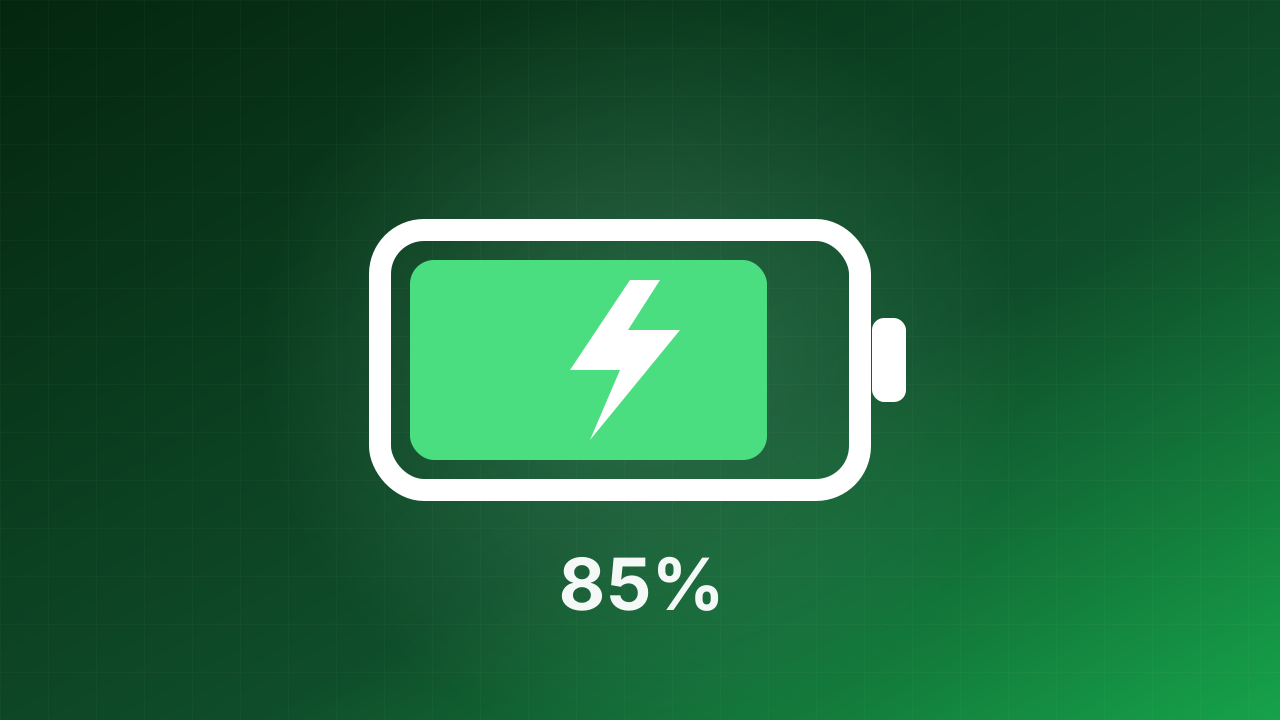
Open Settings → Battery → Battery Health. Anything above 85% is good; below 80% means a replacement will be needed soon.
3. Test the essentials
- Face ID or Touch ID
- Front and rear cameras, including zoom
- Speakers and microphone (record a short voice memo)
- Charging port and wireless charging
- Buttons and the silent switch
4. Inspect the screen
Show a full white and a full black image. Look for dead pixels, burn-in or yellow patches.
Every iPhone we sell has already been through these checks — and 40 more.